Top 5 Free Editing Tools a Budget Editor Uses Every Morning
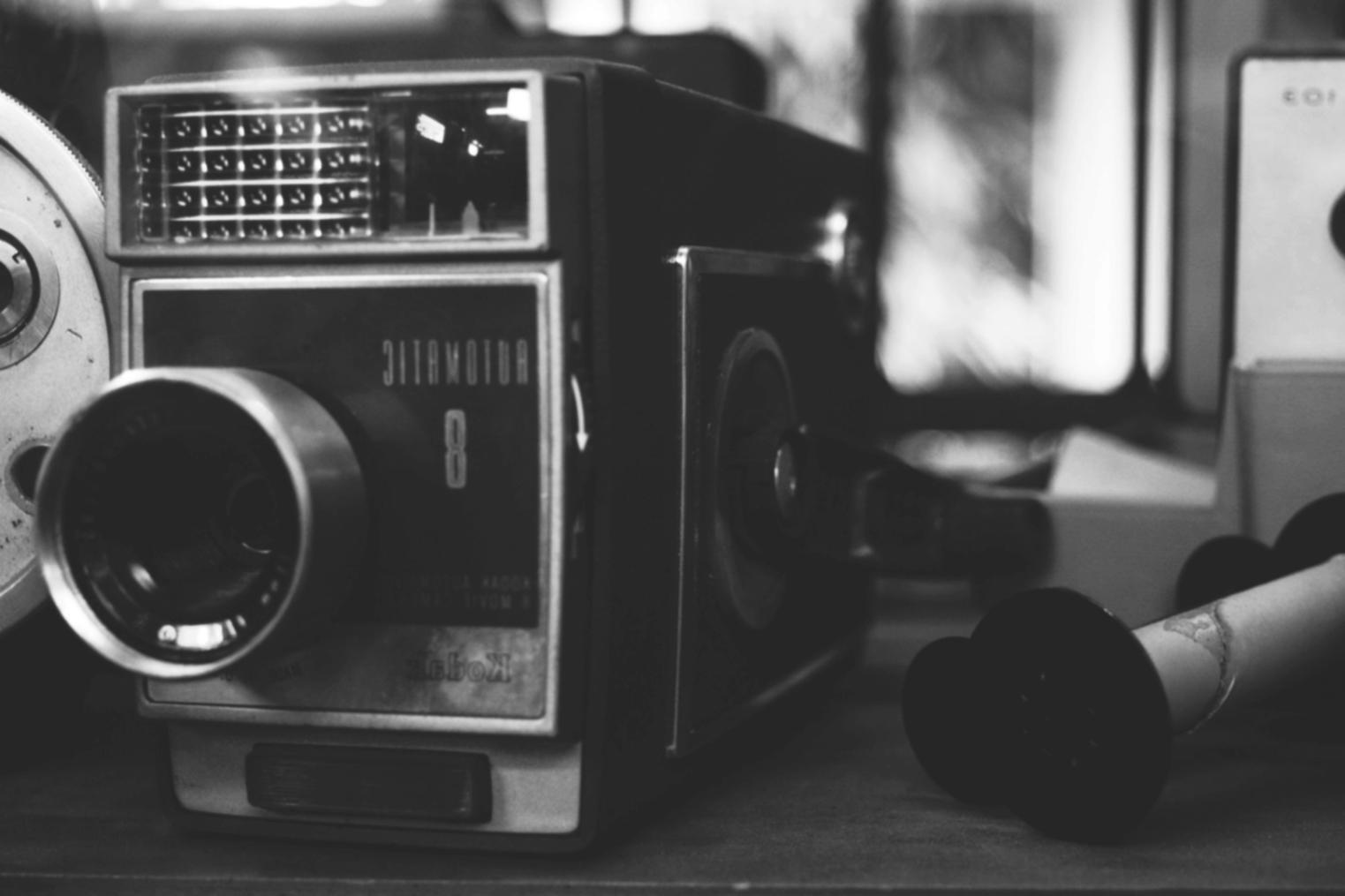
Oleg started editing short films with zero budget. His morning routine now runs entirely on free software.
6:00 AM — The First Cut
He opens DaVinci Resolve before coffee. The free version handles 4K footage, color grading, and audio mixing without a paywall. Most beginners do not realize the free tier covers almost everything a professional needs for independent projects.
8:30 AM — Reviewing Rough Cuts
Oleg uses Kdenlive for quick assembly edits on older footage. It runs on Linux and Windows, costs nothing, and handles multi-track timelines without crashing on mid-range hardware. He keeps it open alongside Resolve rather than switching between paid alternatives.
11:00 AM — Sound and Sync Work
Audacity handles all dialogue cleanup. Oleg strips background hum, normalizes levels, and exports clean WAV files in about 20 minutes per scene. No subscription, no cloud dependency.
2:00 PM — Export and Review
HandBrake compresses final exports for client delivery. It reduces file size by roughly two-thirds without visible quality loss at standard viewing distances. Oleg sends files via a free WeTransfer tier for projects under 2 GB.
What this workflow actually costs
| Tool | Cost | Main use |
| DaVinci Resolve | 0 | Primary editing and color |
| Kdenlive | 0 | Assembly cuts |
| Audacity | 0 | Audio cleanup |
| HandBrake | 0 | Compression and export |
Oleg has not paid for editing software in three years. The tools are not perfect, but they are stable enough to finish real work on a real deadline.
Learning Program
See the full curriculum behind our editing courses — structured sessions from assembly cut to final color pass.
View programPast Podcasts
Audio transcripts and written versions of previous sessions — useful for reviewing specific techniques at your own pace.
Browse podcastsMore Engagements
Articles from other speaking sessions covering editing workflows, software choices, and industry perspectives.
All articlesAbout Mentex Hub
Since 2017 we've been running live webinars on motion picture editing — real sessions with working editors, not pre-recorded slide decks. Get in touch if you have questions.